

The easiest monthly baby photo is the same spot, the same light and the same small prop each month, taken on any day near the monthly birthday. You don't need a backdrop, a sign or a perfect shot. Twelve simple photos, each with one line about that month, are enough.
This guide keeps the routine simple enough to last to month eleven, and covers what to do with the photos once you have them.
What are simple monthly baby photo ideas?
Pick one idea and repeat it. The repetition is what shows the growth.
- Same spot, same light. Choose one place near a window and take the photo there in daylight every month. The background stays put, so the only thing that changes is your baby. Turn on the camera grid and level so each photo lines up with the last. Apple's guide says to go to Settings, tap Camera, then turn on Grid and Level.
- Same toy for scale. Put the same teddy bear or soft toy beside your baby each month. The toy stays the same size and your baby doesn't. By the first birthday, the bear that once looked huge sits in their lap.
- Same arms. Have the same parent hold your baby in the same chair each month. An adult's arms and shoulders give you a scale that a blanket can't, and the parent is in the picture for once.
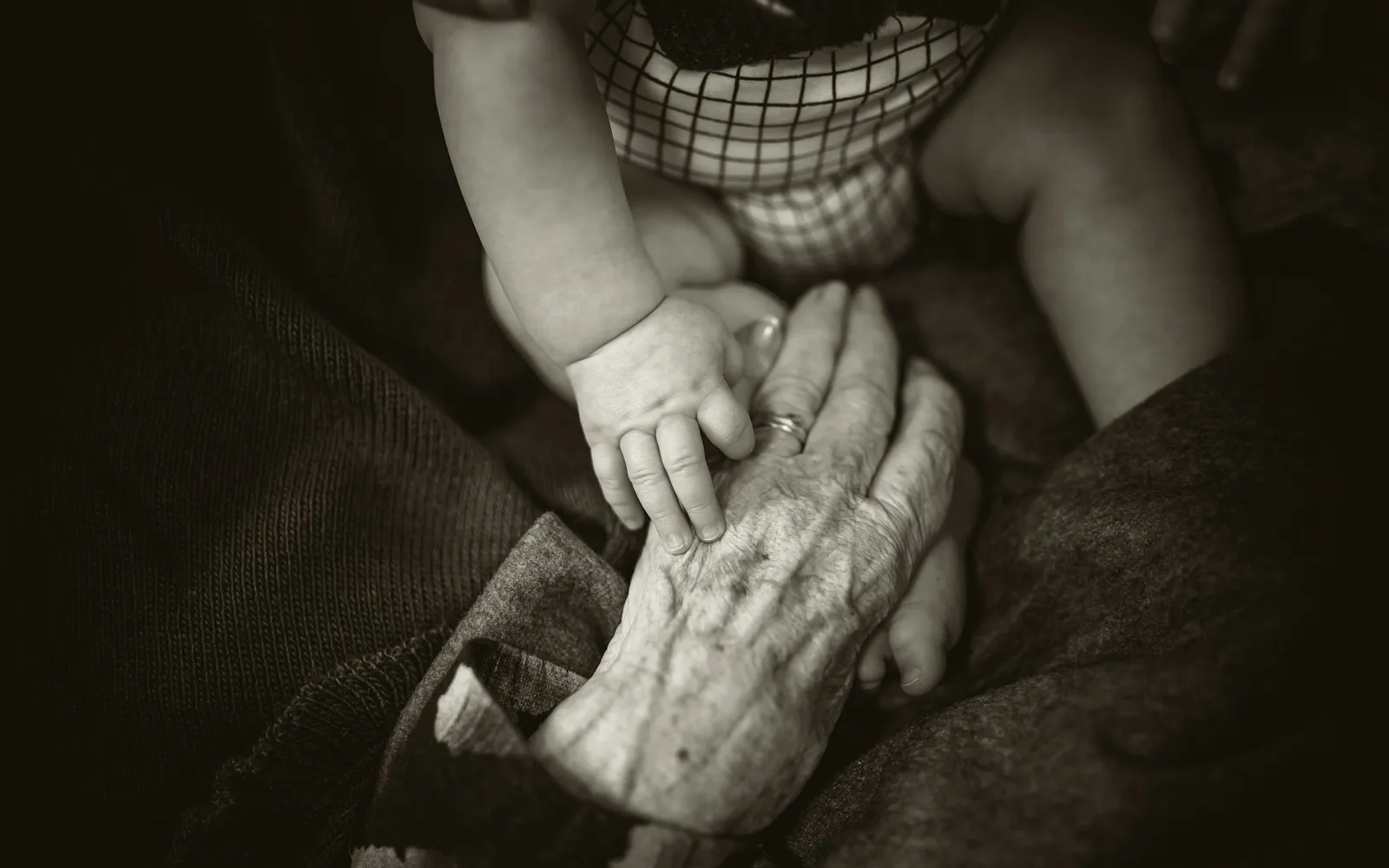
- Hands and feet. A close-up of your baby's hand around your finger, or their foot next to your hand. It takes five seconds and works even on a fussy day.
- The ordinary moment. One photo of whatever that month was about. The bath they hated, the spoon of first food on their face, the way they fell asleep in the car seat on the way home. They show what the month was actually like.
- Ten seconds of video. A short clip each month keeps something a photo can't, like the coos at two months and the babble at nine.
- Both parents together. Use the camera timer so neither of you is always behind the phone. Apple explains how to set the timer in the Camera app.
A milestone card or a letter board is optional. Your phone already records the date of every photo, so the card is only decoration.
How do you take the lying-on-a-blanket photo safely?
Keep your baby awake, on the floor and within your reach the whole time. The classic monthly photo puts a baby on their back on a blanket with a number beside them. Take it only while your baby is awake, on the floor, with you right there. A few rules from the American Academy of Pediatrics apply.
- Use the floor, not a bed or sofa. The AAP's bathing guidance says that if your baby is on a surface above the floor, always use a safety strap or keep one hand on them to prevent falls. A posed photo on an adult bed gives you neither.
- Tummy shots are for awake babies. The AAP says tummy time is for babies who are awake and being closely supervised.
- If your baby falls asleep, the photo session is over. Don't stage a sleeping baby among blankets, pillows or toys. The AAP's safe sleep guidance is to place babies on their back on a firm, flat surface, with no blankets, pillows, stuffed toys or bumper pads in the sleep space. If they fall asleep somewhere else, the AAP says to move them to a firm sleep surface on their back as soon as possible.
If those rules make the blanket shot feel like too much work, skip it. Any of the ideas above shows the same growth.
How do you keep monthly photos going when you miss a month?
Lower the bar instead of stopping. Missing a month is normal, and the series still works with a gap or a late photo.
- Take it late. A photo on the ninth of the month is still that month's photo. Nobody looking at it later will know.
- Use a photo you already took. In the Photos app, swipe down on the library and tap Months to browse by month. Months shows a curated selection, so tap All to see every photo. There is usually a good one from that month. It just wasn't taken in the usual spot.
- Set a repeating reminder. Set it for the monthly birthday, at a time your baby is usually awake and happy.
- Take turns. Alternate months with the other parent so it isn't always one person's job.
- Keep going past twelve. After the first birthday, switch to every three months, or one photo in the same spot on each birthday.
If you're catching up on a big backlog, our guide to organizing baby photos on iPhone covers albums and People & Pets in the Photos app.
What should you write down with each monthly photo?
Write one line while the month is still fresh. What your baby was doing, the sound they made most, a nickname that came and went, the thing you were worried about that turned out fine. In a year the photo will show how they looked. The line is what reminds you what it was like.
Our post on what to write in a baby book has month-by-month prompts. If you want ideas for what to notice, the CDC's milestone checklists include checklists for 2, 4, 6 and 9 months and 1 year, as of 16 Oct 2026. Use them as prompts for your notes, not as a test. Every baby is different, and the CDC's advice is to talk with your child's doctor if you have a concern.
What can you do with monthly baby photos?
Use them, so they don't sit in the camera roll.
- Make a first-birthday grid. Twelve photos in three rows of four, printed for the party or shared with family that day. It works best when every photo is from the same spot.
- Make a short movie. In the Photos app, you can choose the photos in a memory movie yourself. Apple's guide shows how to add, remove and reorder the photos and change the music, so a memory of your baby can play the twelve monthly photos in order.
- Print a few and hang them in a row. Three or four, like birth, six months and one year, show the change without a full gallery wall.
- Send one to the grandparents each month. It gives them a reason to expect something, and it's easier than a full album.
- Keep the originals. Don't delete the near-misses until the favorites are backed up somewhere you trust.
The monthly photo is a small part of the year. Our post on how many photos parents take in the first year covers why the rest of the camera roll gets so hard to find later.
Can an app pick a photo for each month?
Yes. Some baby book apps lay out the photos already on your phone month by month, so you can find a photo for each month even if you skipped the monthly shoot.
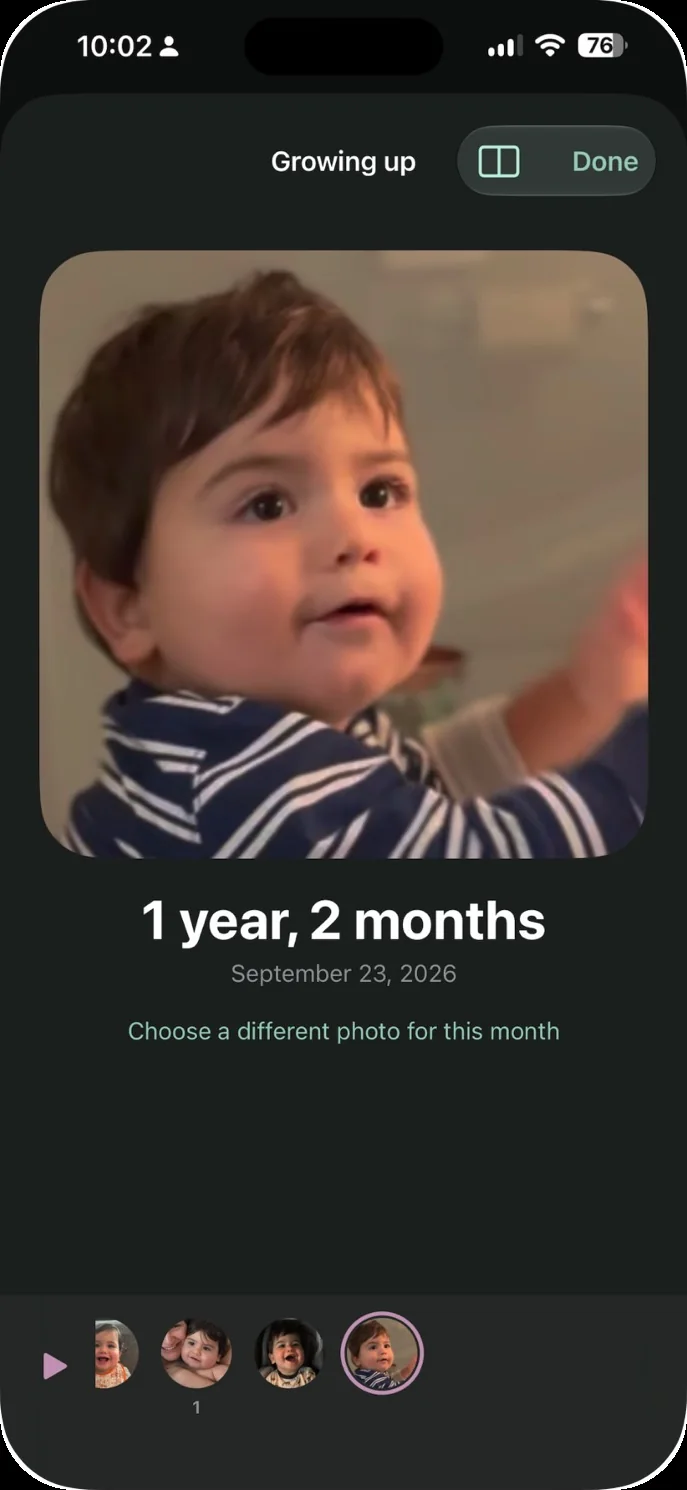
The app we make: Our Little World is a private baby book app for iPhone and iPad. Our Little World finds your child in the photos on your iPhone and lays them out month by month. Two parents share one family space. The Growing up screen in Our Little World shows one portrait for each month, from the photos already on your phone, and you can choose a different photo for a month. That helps with the months you missed, because the portrait comes from photos you already took. In a month where you haven't confirmed a face, Growing up shows the app's best photo of your child and marks it Picked by the app. Our Little World isn't for Android users, for families who want a printed book, or for anyone who needs a free plan. Every plan starts free, with 7 days on a monthly plan and 14 days on a yearly plan. You can read more about it for your baby's first year.