How it works

Can Apple Photos find all my baby's photos, or do I need an app?

Apple Photos finds your baby for free. Name them once in People & Pets, and Photos names them in other photos and videos in your library. Our Little World is a private baby book app for iPhone and iPad. It puts both parents' photos of your child in one place, lays out their life by age, and keeps Firsts, letters and voice notes with the photos.

Doesn't Apple Photos already do this?

Photos uses on-device analysis to recognize faces and groups them in People & Pets, according to Apple's Photos privacy page. Once you name your baby, Photos names them in other photos and videos in your library, per Apple's guide to naming people. Memories are collections Photos makes around a significant person, pet, place, activity or event, per Apple's Memories guide. Google Photos groups very similar faces into face groups you can name, though not in every region or account type, per Google's face groups help page. We checked each page on 16 Oct 2026. For many families this is enough, and our guide to organizing baby photos on iPhone shows how.

To pool two parents' photos, Apple's iCloud Shared Photo Library can include up to six people and can add photos automatically, like ones you take at home or when other members are nearby. The photos you add move out of your personal library, and every member can view, edit and delete them. Shared Albums let grandparents see and comment on photos you pick, for free. Our Little World adds the baby book parts.
  • Both parents' photos of your child in one space, while each library stays your own
  • Your child's life month by month, by age
  • Voice notes on a photo
  • Letters for later, sealed until a birthday or a day you choose
  • Firsts, like a first smile or a first haircut

Step by step

How does Our Little World find your child?

  1. 1

    Add your child and connect Apple Photos

    Add your child with their birthday, then give Our Little World access to Apple Photos. The birthday tells Our Little World where to start looking. Organizing runs on your iPhone or iPad, and your originals stay where they are.

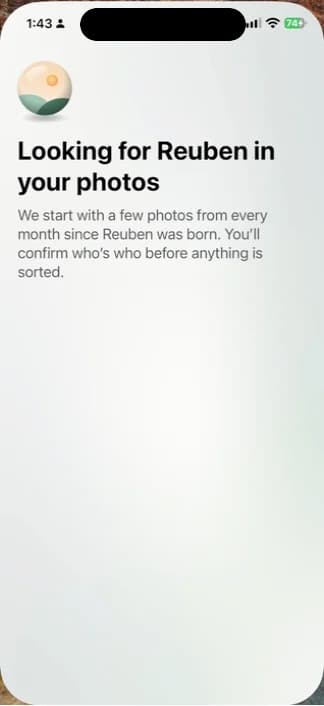
    The Our Little World screen that looks for a child in your photos, starting with a few from every month since they were born
    While it looks, Our Little World starts with a few photos from every month since your child was born.
  2. 2

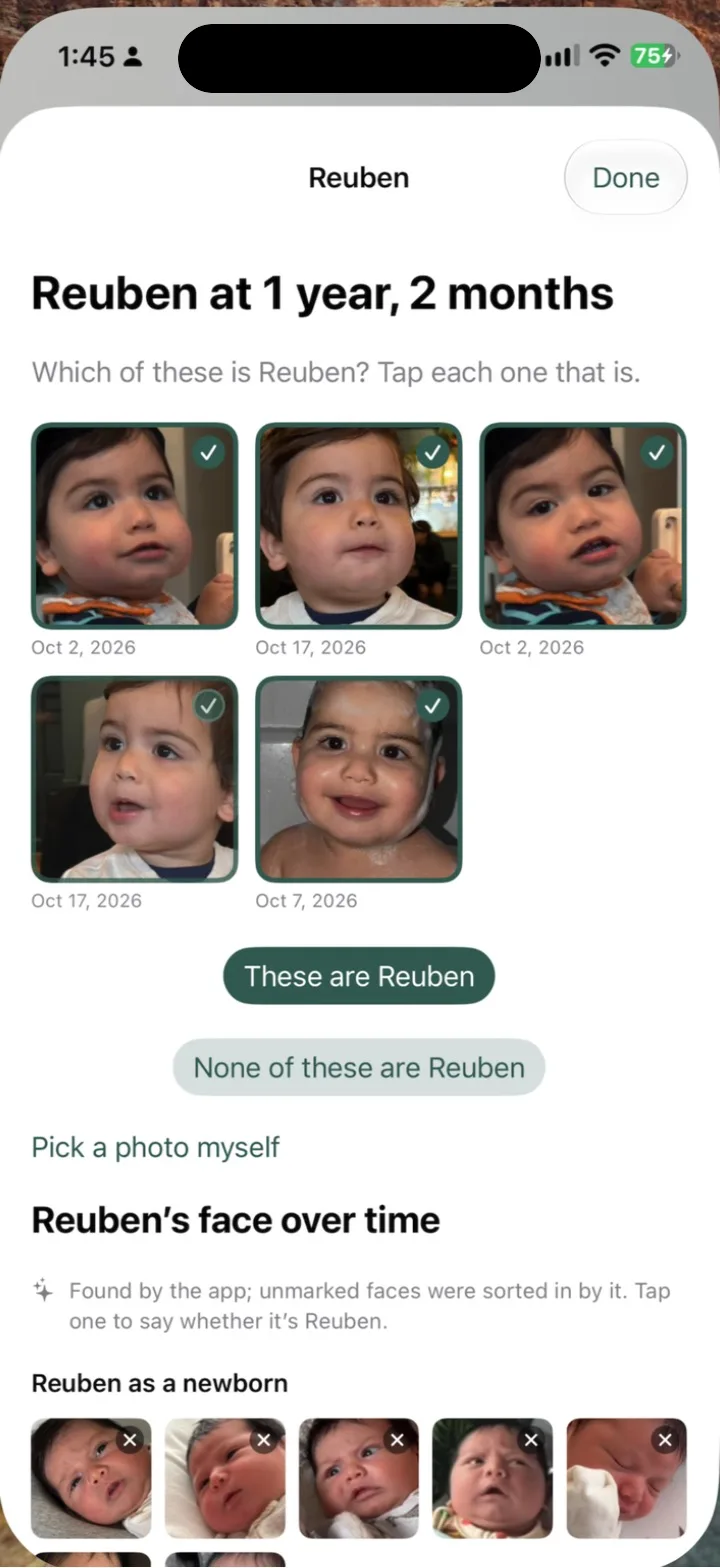
    Confirm your child's face

    Tap your child's face in a few photos, and Our Little World learns from them to find the rest. Photos it isn't sure about wait in Maybe for you to answer, and when a face could be either twin, it asks which child it is. Face recognition runs on your iPhone.

    Our Little World asking which of five photos show a child at 1 year, 2 months, with each one ticked and a button to confirm them
    Our Little World asks which faces are your child. You tap each one that is.
  3. 3

    See their months, sorted on your iPhone

    Our Little World finds your child in the photos and videos already on your phone and lays out their life month by month. In a month where you haven't confirmed a face, Growing up shows the app's best photo of your child and marks it Picked by the app. You see your child's first photos sorted before you choose a plan.

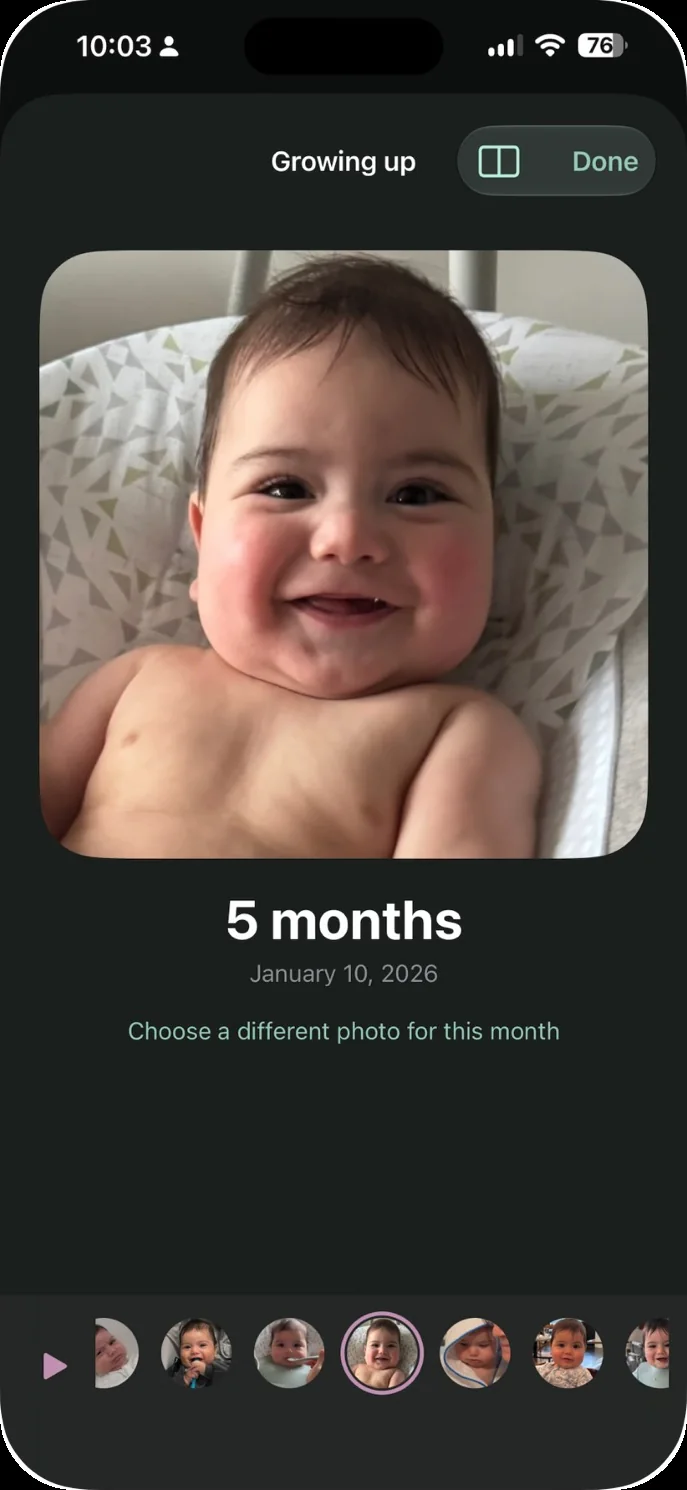
    The Growing up screen in Our Little World, showing a smiling baby's photo for the month they turned 5 months
    Growing up shows one photo for the month a baby turned 5 months, dated January 10, 2026, with the other months in a strip below.
  4. 4

    Invite the other parent

    Invite the other parent, and once you each say yes, your photos of the children join theirs and theirs join yours, with no shared albums to keep up. Shared copies are resized and sent without their location or camera details. A photo you both have, like one you AirDropped, shows up once.

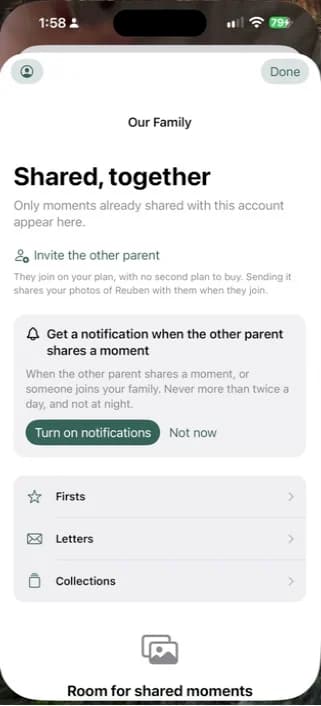
    The Our Little World family screen with an Invite the other parent link, which says they join on your plan with no second plan to buy
    Invite the other parent from the family screen. They join on your plan, with no second plan to buy.
  5. 5

    Share with grandparents and family

    Grandparents and family members you invite see what's shared with them, and never see face data. The Family plan includes two invited family members, like grandparents, at no extra cost. Family Plus has room for up to ten invited family members.

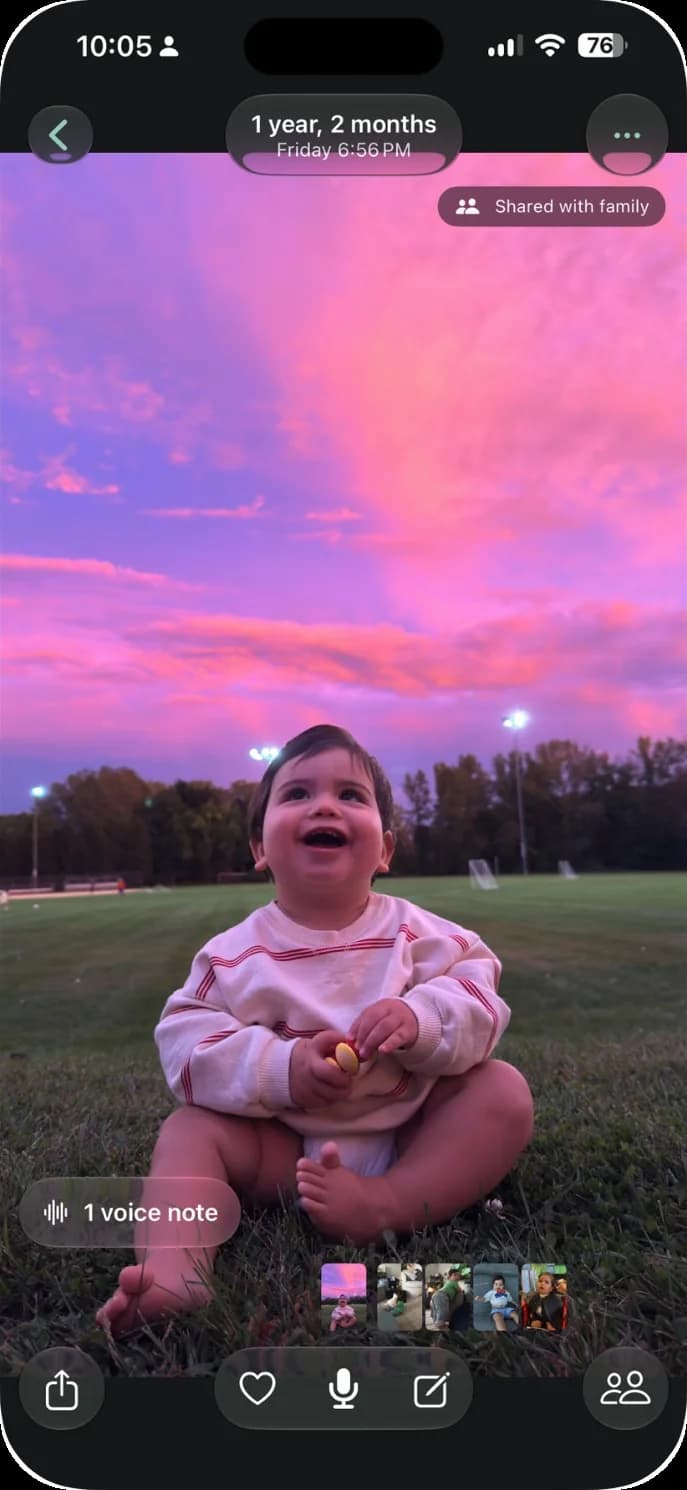
    A photo in Our Little World marked Shared with family, with a voice note attached
    A moment of a toddler laughing in the grass under a pink sky, marked Shared with family, with one voice note.

Who is Our Little World not for?

Our Little World isn't for Android users, for families who want a printed book, or for anyone who needs a free plan. It runs on iPhone and iPad only, the book lives in the app, and after the free trial it needs a subscription.

How much does Our Little World cost?

As of 16 Oct 2026, Family is $7.99 a month or $69.99 a year, and Family Plus, for a bigger family circle, is $11.99 a month or $99.99 a year, in US dollars and billed through the App Store. Every plan starts free, with 7 days on a monthly plan and 14 days on a yearly plan. One plan covers both parents and every child, and our pricing page has the details.

Questions parents ask

What else do parents ask?

What's the difference between a baby book app and just using Apple Photos albums?

Apple Photos is free, finds your child in People & Pets, and is enough for many families. Our guide to organizing baby photos on iPhone covers the free method. A baby book app like Our Little World adds the story around the photos, including your child's months by age, Firsts, letters for later, and voice notes on a photo.

Is there an app that finds my baby in all my photos and sorts them by month?

Yes. Apple Photos finds faces for free, and several apps find your child in your camera roll. Our Little World finds your child after you confirm their face from a few photos, then lays out their life month by month. Our comparison of camera-roll apps and our Kyn alternative page cover the others.

Can I start a baby book when my baby is already one?

Yes. Our Little World starts from your child's birthday and looks through the photos and videos already on your iPhone, so the photos you took before you started can land in their space too. In a month where you haven't confirmed a face, Growing up shows the app's pick and marks it as one.

My husband and I both take baby photos on our iPhones. How do we get all of them in one place?

In Our Little World, invite the other parent, and once you each say yes, your photos of the children join theirs and theirs join yours, with no shared albums to keep up. A photo you both have, like one you AirDropped, shows up once. See Our Little World for both parents.

Is there a baby book app that can tell my twins apart?

Our Little World lets you add twins together, and when a match is close, the app asks you which child it is. One plan covers both parents and every child.

Is there a baby book app without a subscription?

Our Little World isn't one. It's a subscription billed through the App Store, and every plan starts free, with 7 days on a monthly plan and 14 days on a yearly plan. If you need something free, Apple Photos and Google Photos both group faces at no cost, though Google's face groups aren't available in every region.

Our Little World

Start with the photos you already have.

A private baby book app for iPhone and iPad.

Download on the App Store